
pxMarkup
iPhone · iPad
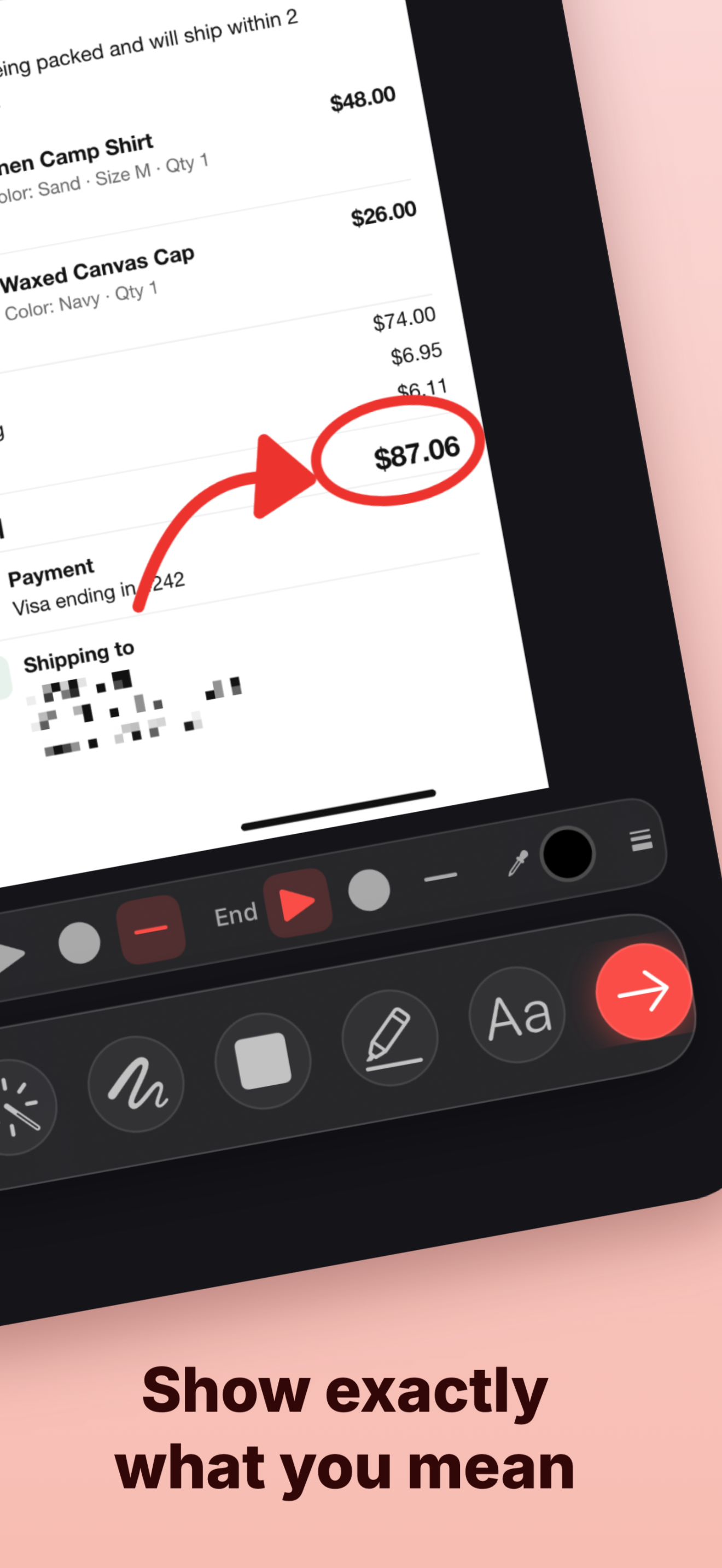
Blur what is private, circle what matters, then send it. Formerly pxCut.
pxCut · image tools for iPhone, iPad and Mac
Three apps for the moment you need to show someone exactly what you mean: a screenshot, a markup, a diagram.
iPhone · iPad
Blur what is private, circle what matters, then send it. Formerly pxCut.
Mac
Drag a box around any part of your screen, capture it and mark it up in one step.
iPhone · iPad · Mac
Physics and engineering drawings: forces, vectors, beams and dimensions that look like the textbook.
Available now
The screenshot editor for iPhone and iPad. Hide what is private, show what matters, and share a picture that needs no explanation.